
Smart WUT(智慧理工大) Password Reset Help
 Published: 2025-10-31 09:00
-

-

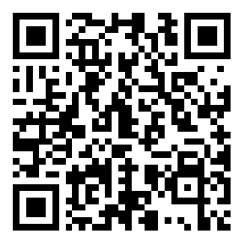
These systems are in Chinese. Names in Chinese below are exactly what you see on screen; the Glossary explains them.
Use this only if you cannot reset your Smart WUT(智慧理工大) password yourself. To reset it yourself, click 忘记密码 on the Smart WUT(智慧理工大) sign-in page (zhlgd.whut.edu.cn) and verify by SMS.
What the Smart WUT(智慧理工大) password is used for: the campus network, the VPN, and every system that signs in through 统一身份认证.
Identity check: nobody may change or reset a password without first confirming who the user is.
Online
Ask a university member to sign in to Smart WUT(智慧理工大) and submit 办事大厅 → 服务列表 → 网络中心 → 协助他人修改Smart WUT(智慧理工大)密码申请 for you.
In Person
Bring a valid ID (campus card or ID card; retired staff bring their ID card) to the Data & Information Systems Department, 爱特楼 (Aite Building) room 2004, tel. 027-87297256.
Afterwards
Sign in right away and change the password to a strong one that passes the system's complexity check.